01 / CAPTURE
Payments, noticed.
Allow notification access and MoneyMitra detects payments from supported payment and banking apps on your phone, skipping duplicates. Prefer to stay hands-on? Add entries manually or scan a receipt.
MoneyMitra / Android expense tracker
Track spending and income, set budgets and plan ahead. Your financial records stay on your phone.
Android · Release in preparation
Inside the app
Real app captures with sample or test data. Appearance may vary by version and device. Select an image to see it full size.
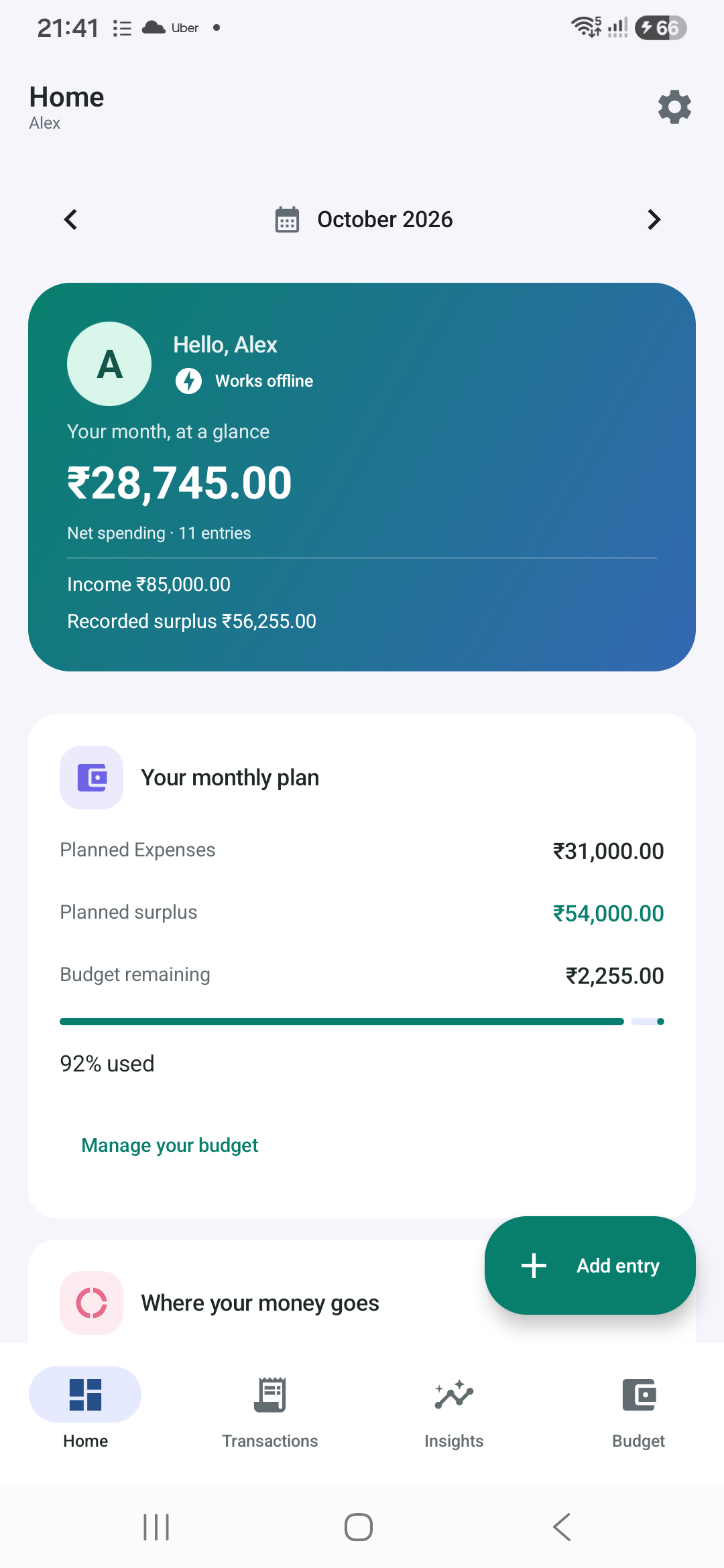
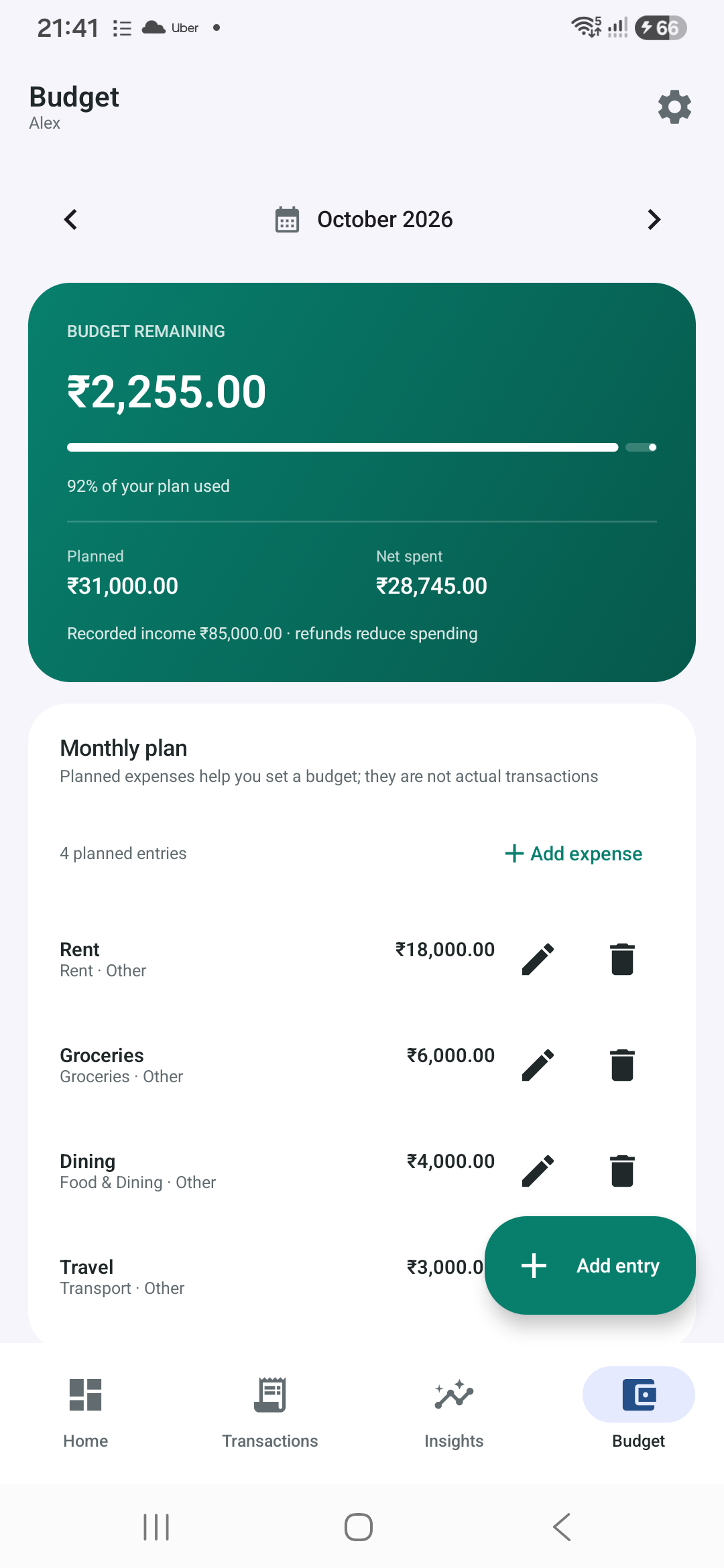
A calm money companion
MoneyMitra is an expense and income tracker by Rupak Banerjee, Cyber Wizard. It works offline, needs no account, and does not send your records to us.
Allow notification access and MoneyMitra detects payments from supported payment and banking apps on your phone, skipping duplicates. Prefer to stay hands-on? Add entries manually or scan a receipt.
Budgets, accounts, categories, tags and merchant rules keep things organised. Insights show your spending patterns, and reminders help you stay on track.
Money planning calculators and saved scenarios help you plan, with suggested bank interest rates and quick links to official government and bank websites.
Create password-encrypted backups and save them where you like, including Google Drive or OneDrive. Export to CSV or PDF when you need a report.
Require your fingerprint or screen lock to open the app. MoneyMitra also reminds you when developer options or USB debugging are left on.
The free version shows small labelled banners, never pop-ups or full-screen ads. A one-time “Remove ads” purchase through Google Play turns them off.
Private by design
Entries, budgets, reminders and your optional profile live in the app’s private storage. Notifications and receipts are processed on your phone.
Privacy policy ↗Ad requests are non-personalised and never include your transactions, merchants, notifications, accounts or profile. Where required, you choose your ad privacy settings.
Include your app version and a description of the issue. Please leave out account numbers, transaction details, backup files and passwords.
Contact support ↗A few things to know
No. MoneyMitra works from the entries you add and, if you allow it, from payment notifications already on your phone. Notification access is optional and can be turned off at any time in Android settings.
Your records stay on your phone; Cyber Wizard does not run a server that receives them. Files you choose to back up or share are handled by the service you send them to. Read the MoneyMitra privacy policy for the full details.
Create an encrypted backup and keep it somewhere safe, such as your cloud storage. You can restore it on a new phone with your backup password. We cannot recover a forgotten backup password.
Buy “Remove ads” once in the app. Google Play handles the payment, and ads stop on any phone signed in to the same Google Play account.